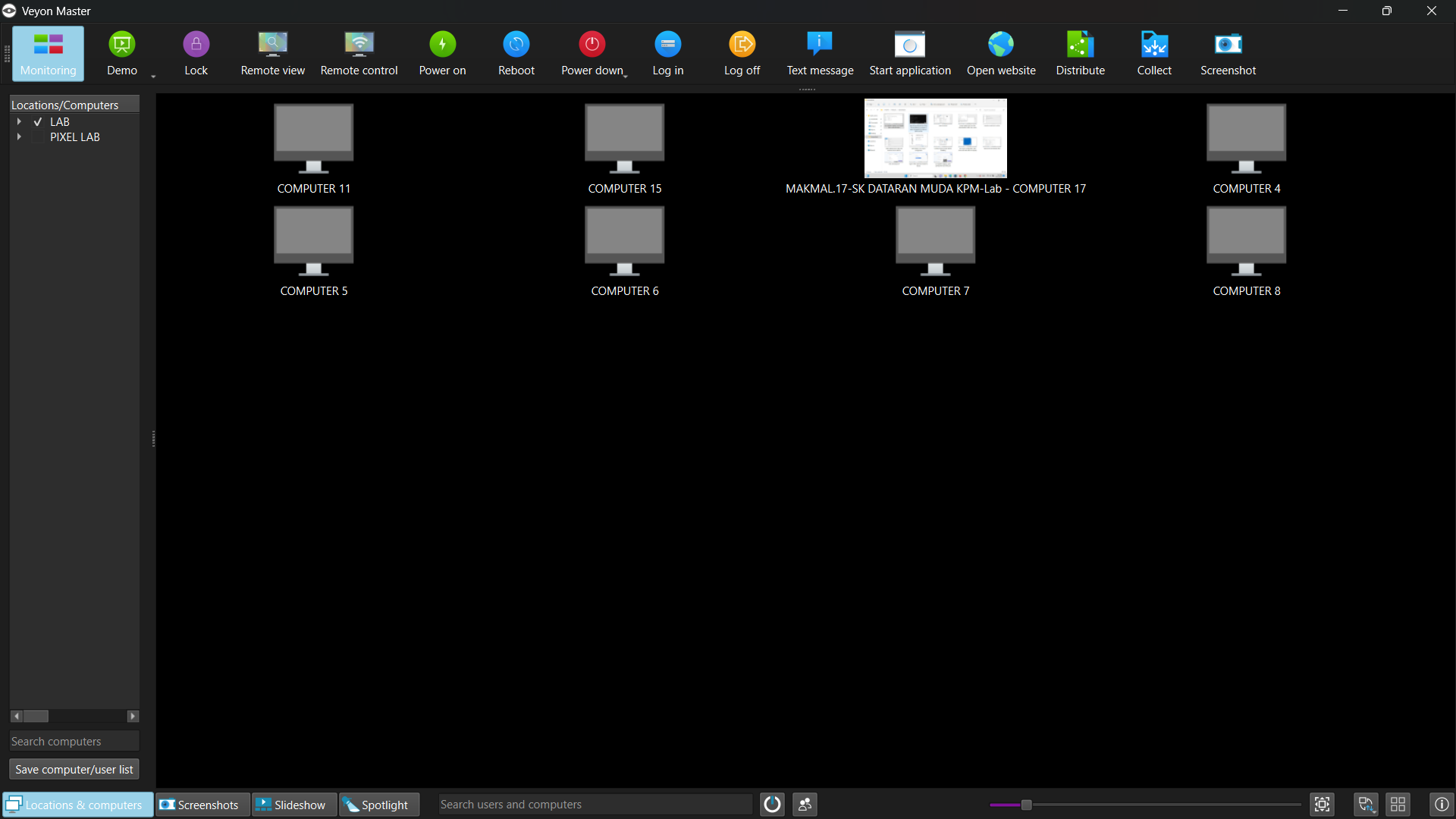
Klik untuk Skrin Penuh
LANGKAH 01
TEACHER PC (GURU)
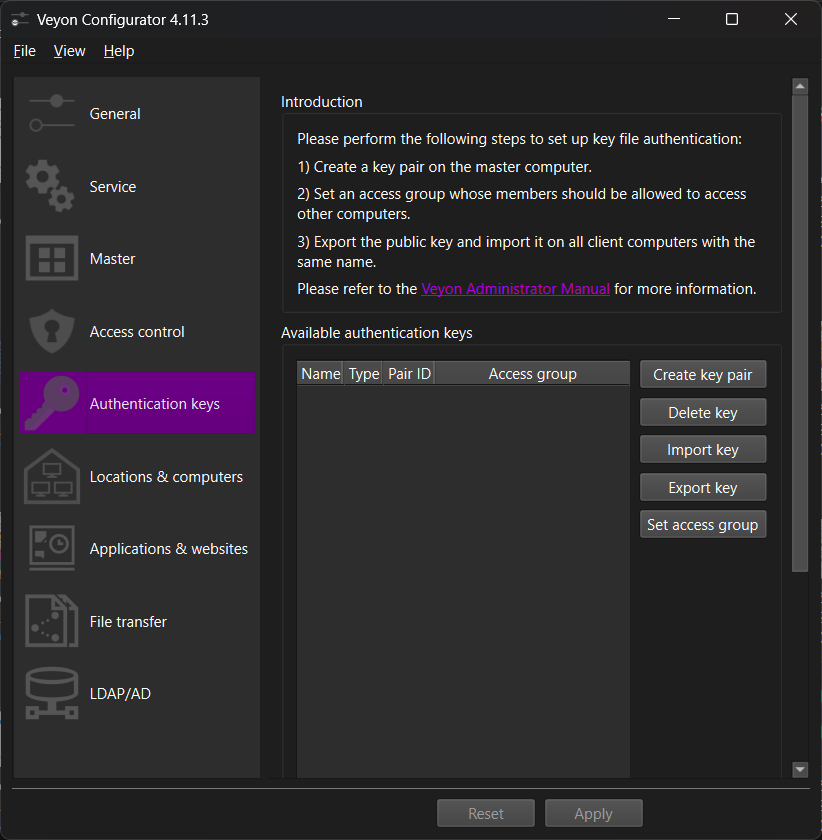
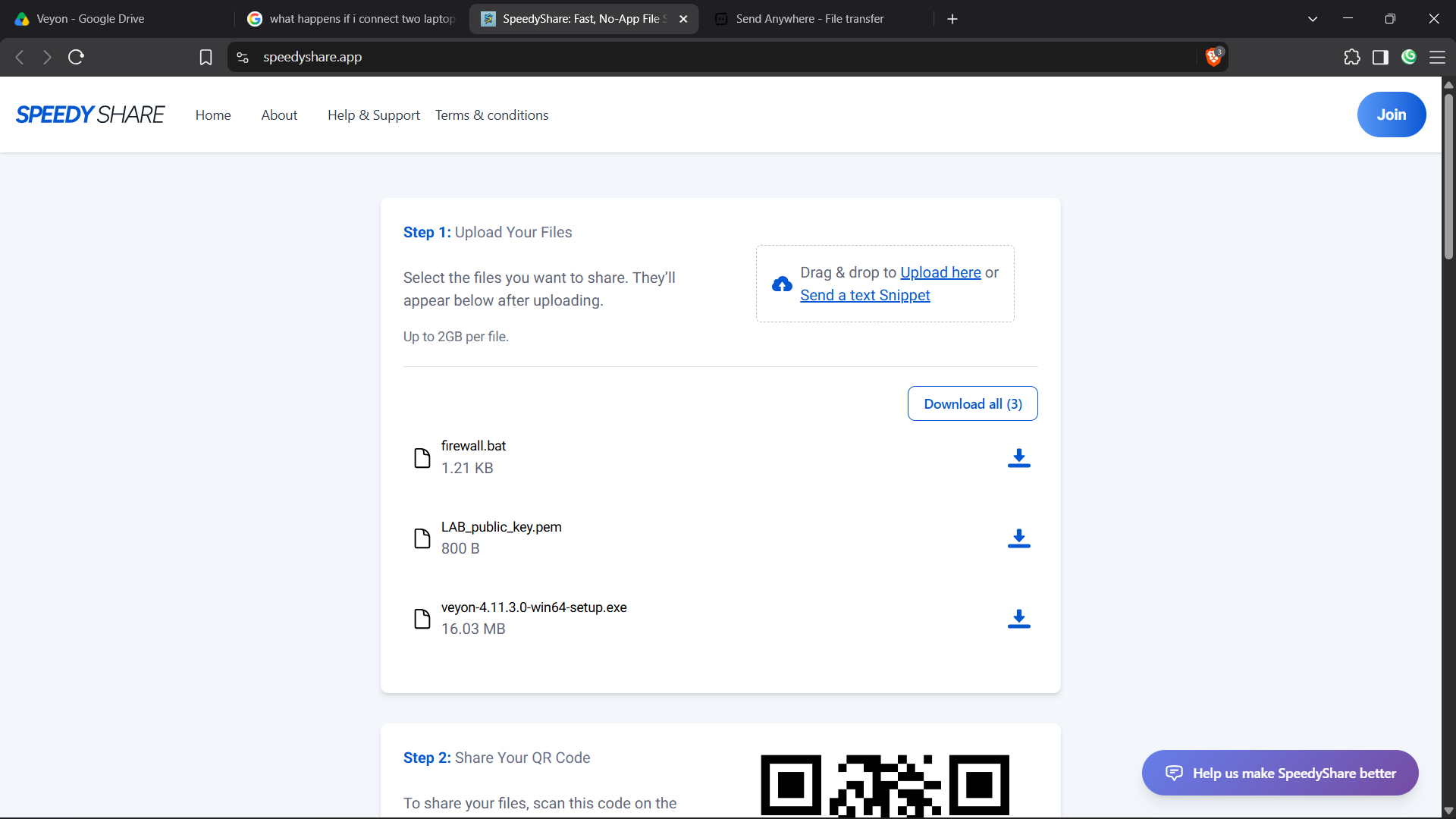
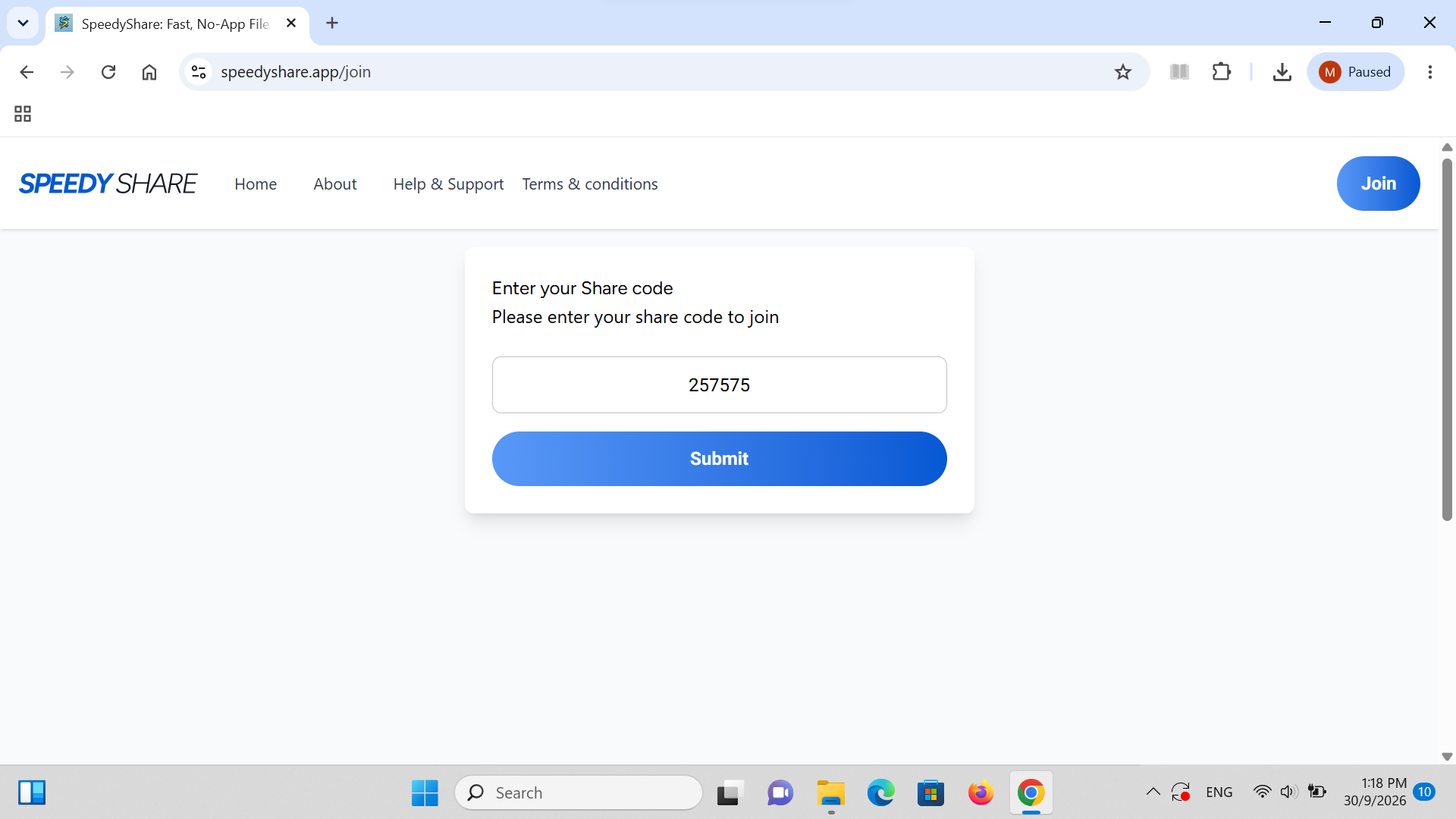
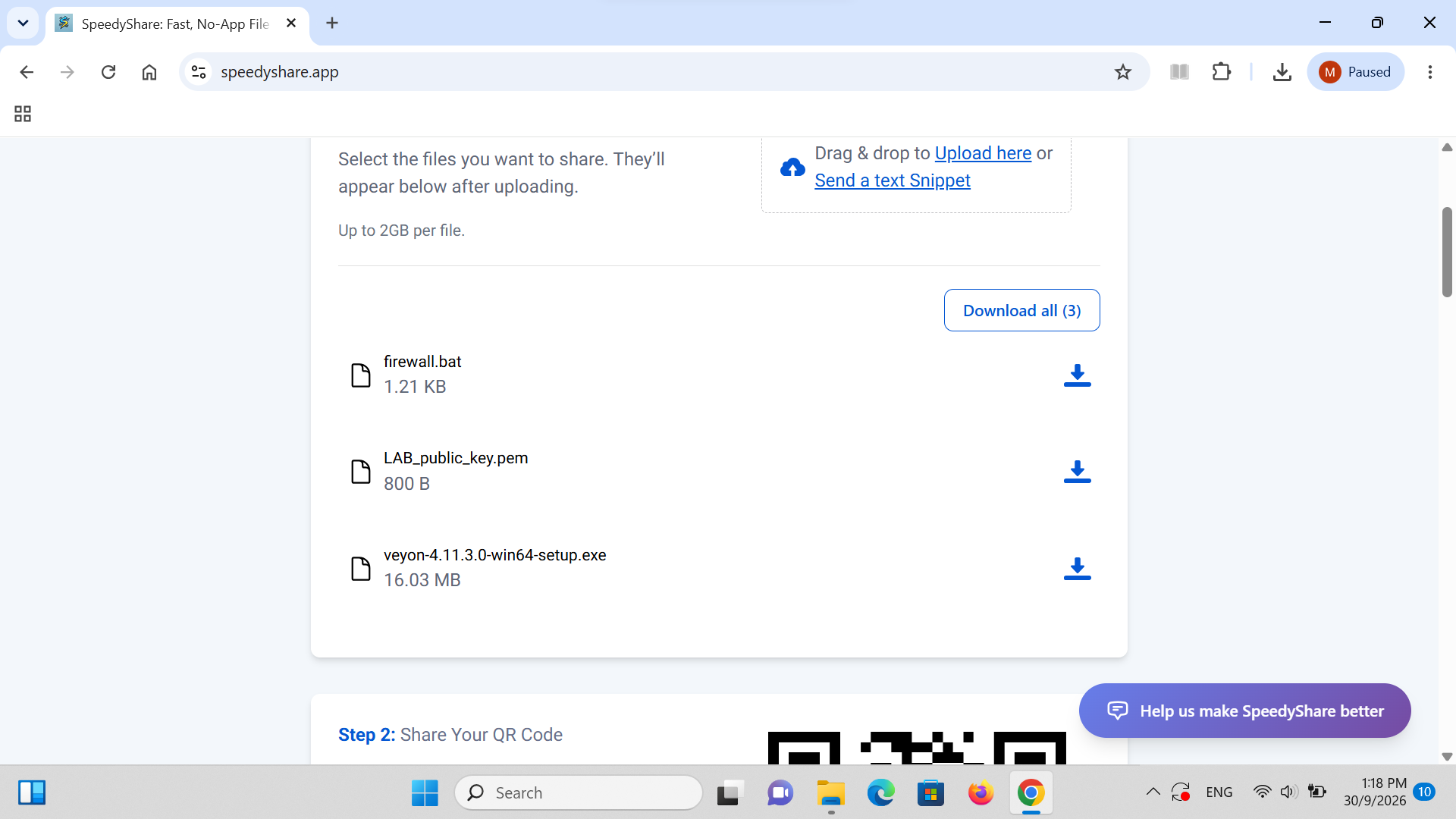
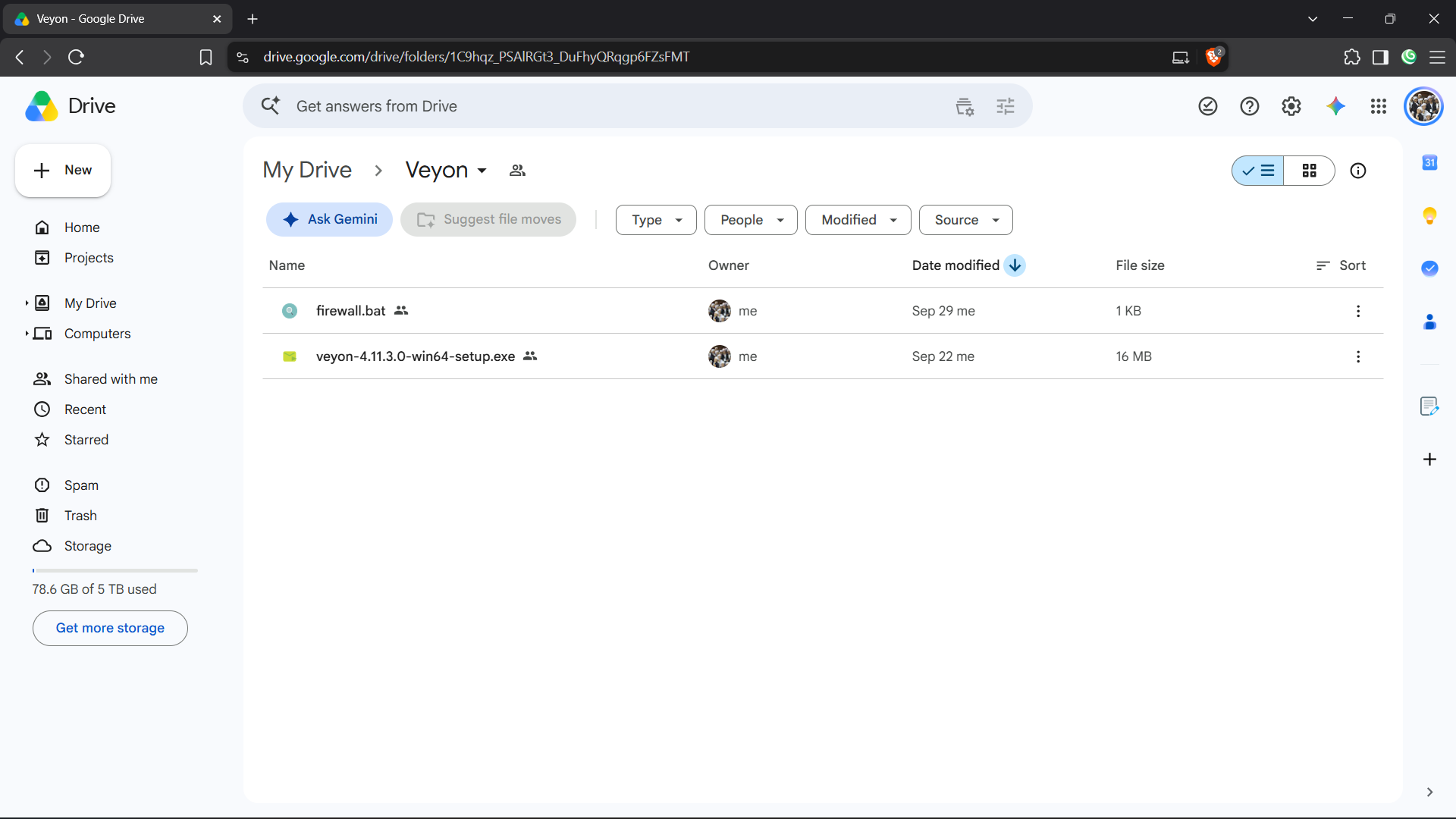
Download Required Setup Files from tr.ee/aJwAd
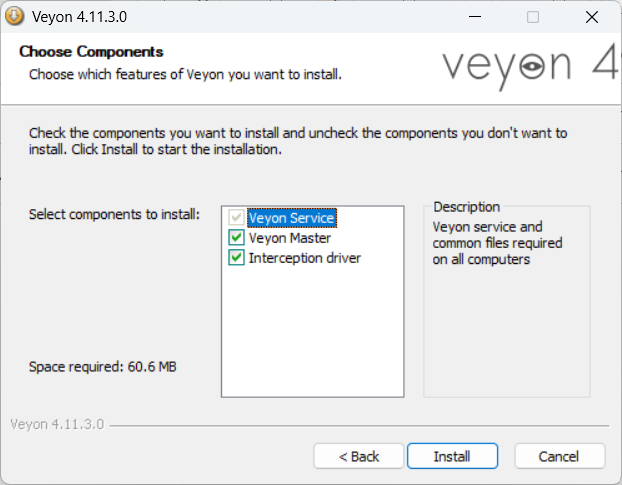
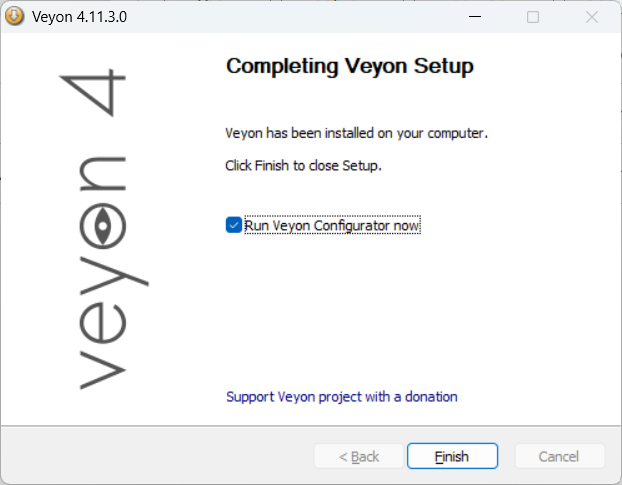
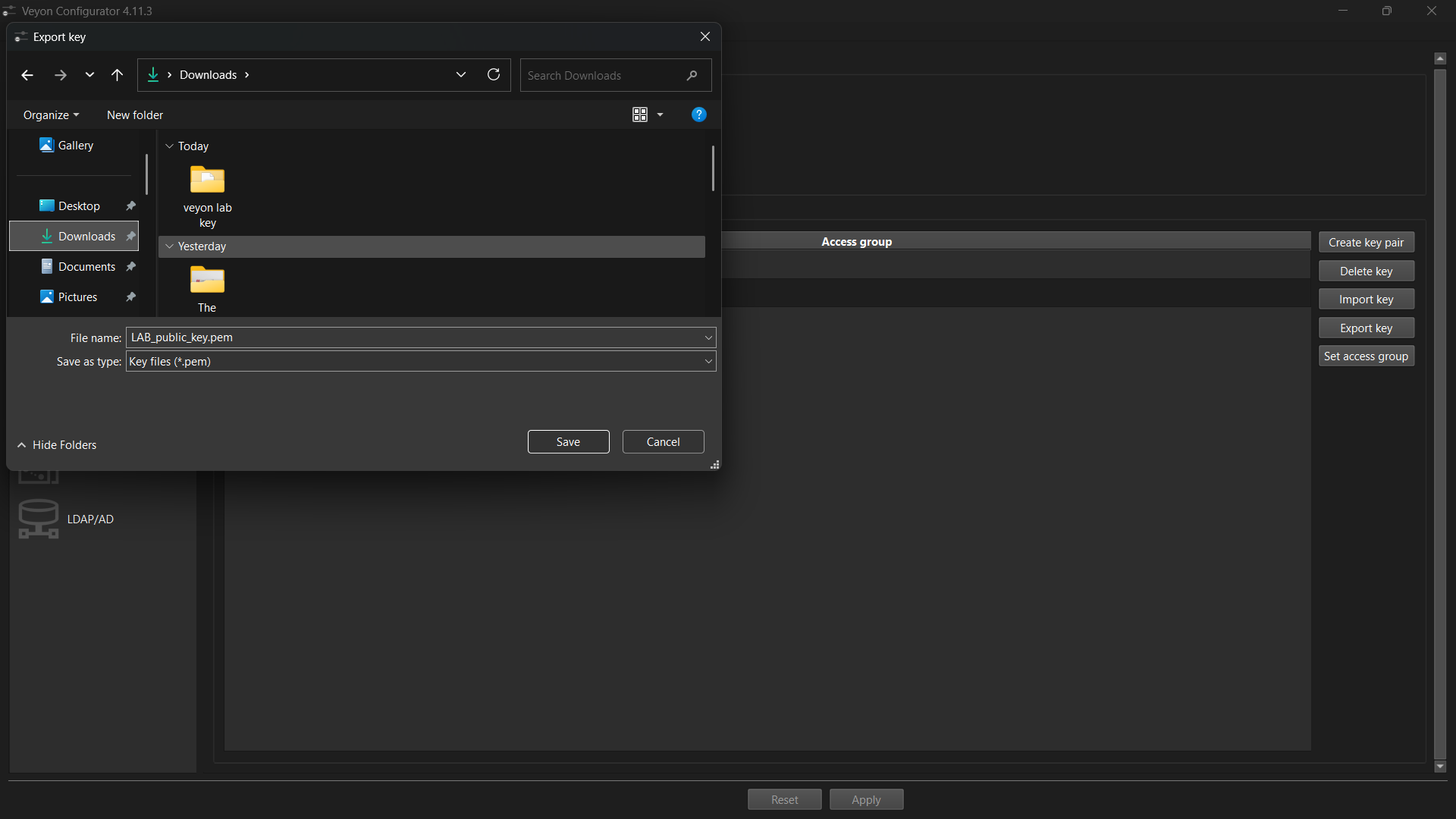
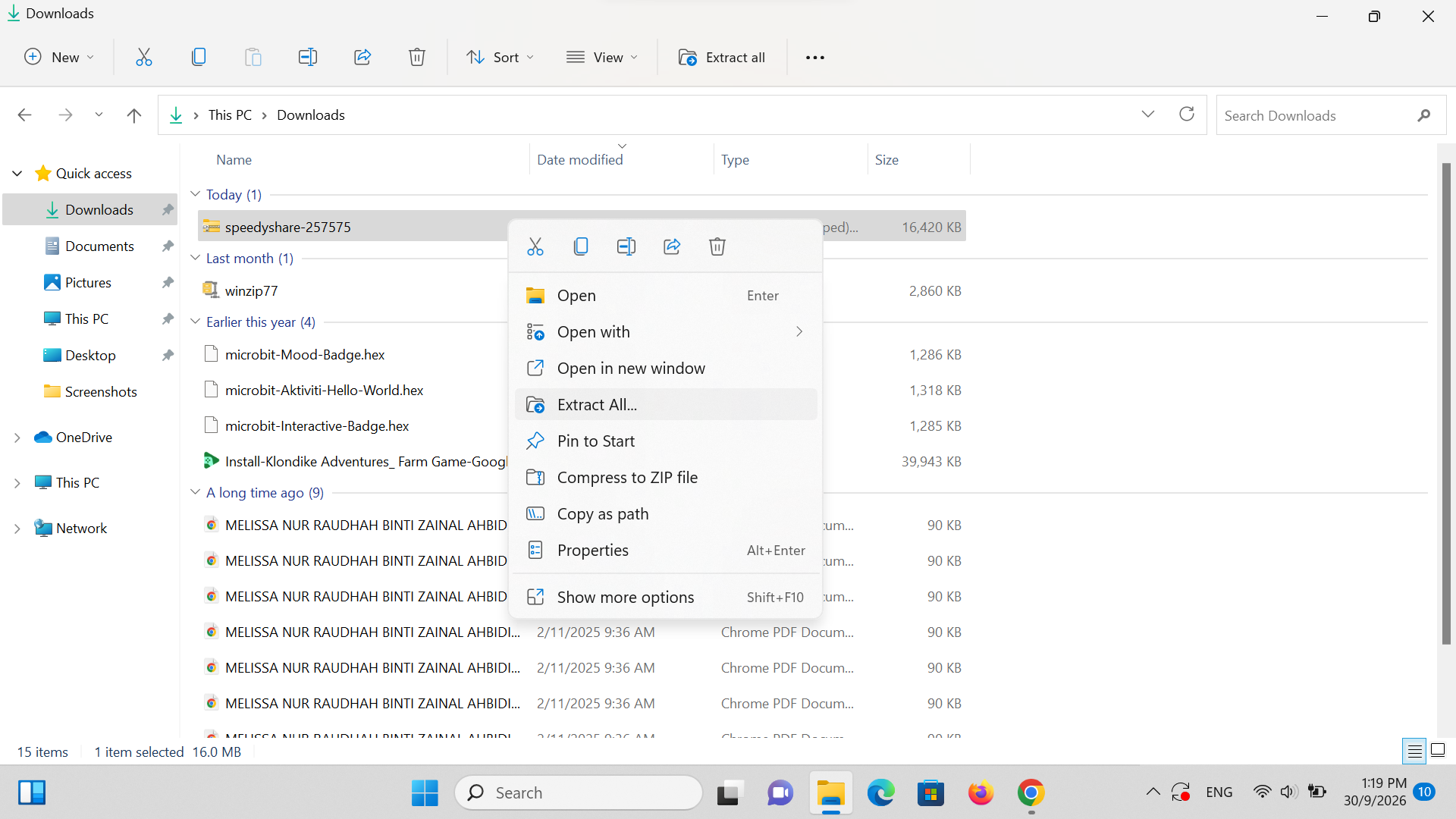
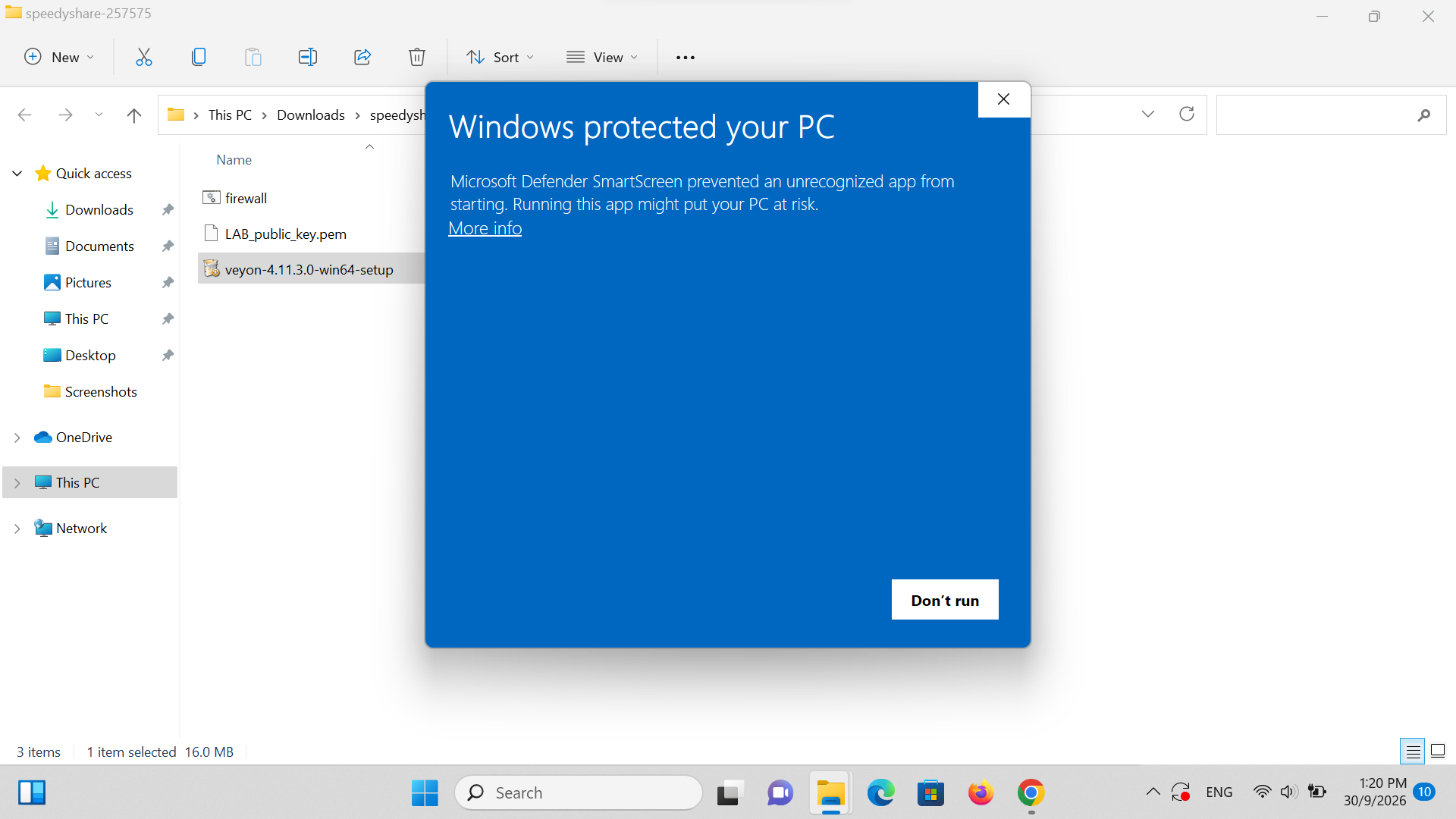
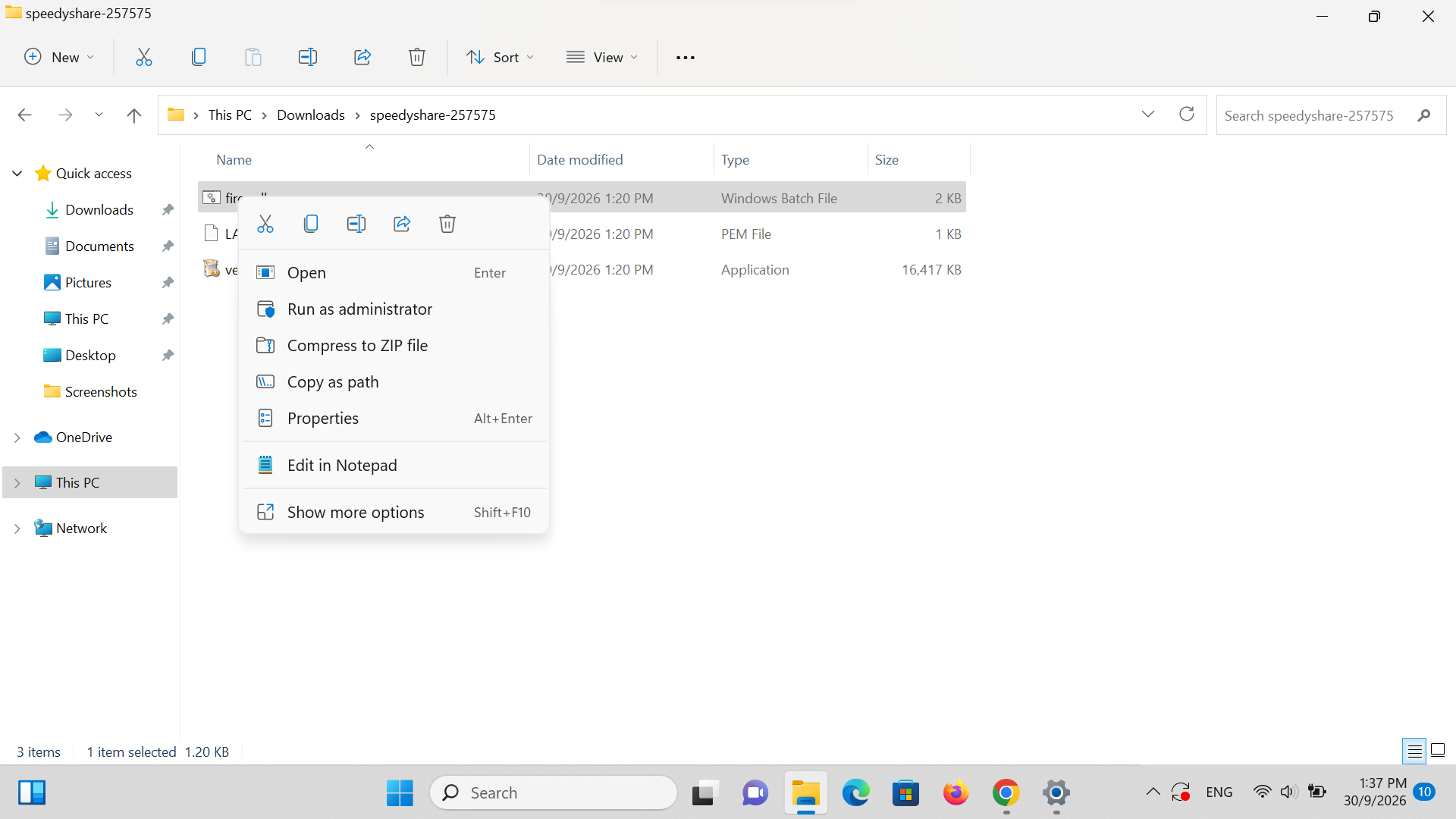
Open your web browser and navigate to tr.ee/aJwAd (or open the shared Google Drive folder). Download the two mandatory deployment files to your Downloads folder: veyon-4.11.3.0-win64-setup.exe (16 MB) and firewall.bat (1 KB).
https://tr.ee/aJwAd
💡 Petua Teknikal: Save both files in your primary Downloads folder. You will use these for both your Teacher PC installation and distribution to student devices.
Fail: download files from this folder by going to tr.ee slash aJwAd.png